

Unlock the power of prompt engineering with APM Learning
To benefit from artificial intelligence tools such as ChatGPT or Microsoft Copilot, project professionals must master the key skill that unlocks AI's potential: prompting.
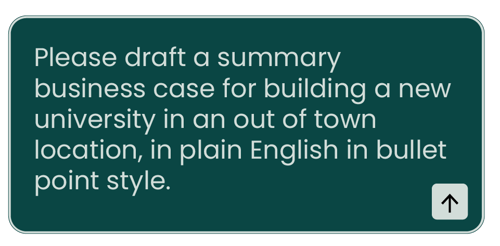
A prompt is the input or instruction you give to a generative AI tool. Well-written prompts help you to use AI as a thought partner and strategic enabler, not as an alternative search engine. Simply put: the better the input, the better the output.
Take the quiz for a taster of APM Learning’s Prompt Engineering module – your first step towards mastering the essentials.
APM Learning module: Prompt engineering for project professionals
Featuring videos of project professionals sharing their experiences and ideas for activities to try yourself, this three-part module covers:
- how do project managers use AI
- what prompt engineering is and why it's important for project professionals
- how to create effective prompts using the RACE and CRIT frameworks and meta-prompting
- practical use cases and expert tips for using AI in common project management tasks
APM members get exclusive access to this module on APM Learning.
Not a member? Join us today and turn theory into impact with 70+ hours of learning and professional upskilling.